Customer and commerce apps
Help customers browse services, manage requests or follow an order in a dedicated mobile experience.


Android App Development
Plan a useful Android experience around your audience, the devices they use and the tasks your business needs the app to support.
Platform, features and delivery responsibilities are agreed during project scoping.
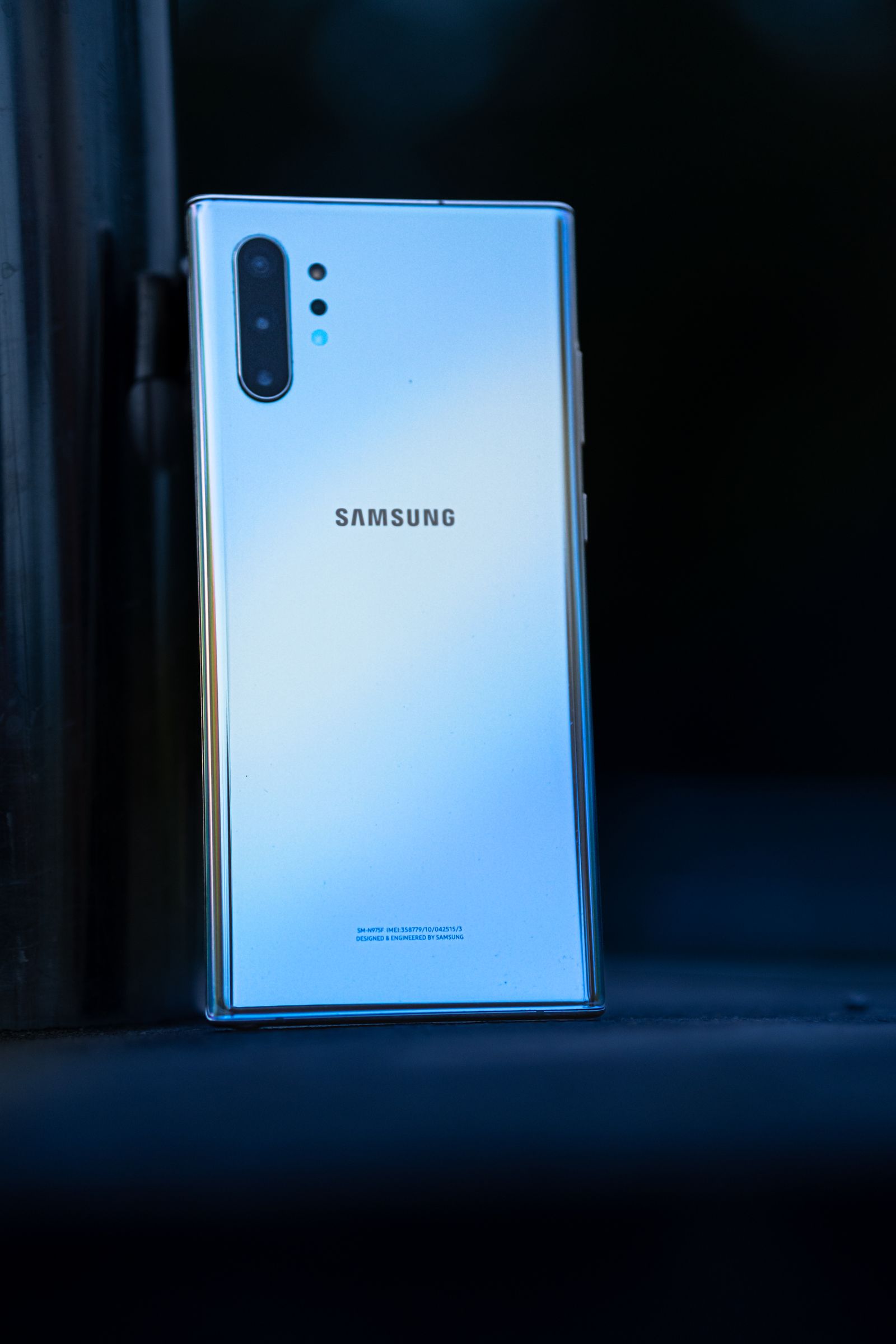
Designed for Android in the real world
Android products run across a broad mix of phone models, screen sizes and operating-system versions. We map the important user journeys and technical constraints early, then agree an implementation and release plan that fits the product rather than assuming every device or feature behaves the same way.
Where an app can help
Useful products give people a clear reason to return to the app instead of adding another step to their day.
Help customers browse services, manage requests or follow an order in a dedicated mobile experience.
Give teams a focused way to view information, capture updates or complete work while away from a desk.
Plan app journeys that work with your website, business systems or an agreed payment provider.
Platform considerations
The right implementation depends on the product, the devices your audience uses and the systems the app must connect to.
Planning app payments too? Explore mobile apps & paymentsIdentify the Android versions, screen sizes and device capabilities that matter for your audience.
Shape navigation, accessibility, permissions and system interactions around the agreed Android experience.
Plan API, account, notification and data flows around the interfaces and provider access available to the project.
Test important journeys on representative devices and prepare the agreed Google Play release materials and configuration.
Made for Android
Android testing and release planning account for supported OS versions, screen densities, device capabilities and app permissions. We agree the coverage that is appropriate for the audience and project scope; no single test device represents every Android handset.
From brief to release
Each stage is shaped around the platform, product scope and the people responsible for operating the app.
Agree who the app serves, which devices matter and what users need to accomplish.
Prioritize screens, data, integrations, permissions and offline or connectivity needs.
Develop the agreed experience and test key flows against the selected Android device and OS coverage.
Review store assets, privacy details, signing and account responsibilities before a Google Play submission.
Release planning
We can plan release assets, app configuration, privacy disclosures and the submission steps within the agreed scope. A Play Console account and required business information are provided by the app owner; Google Play controls its own review and approval.
Ongoing care
Android versions, devices, APIs and business needs change. Agree a support approach for compatibility reviews, defect fixes, dependency updates and considered improvements after release.
Start with a conversation
We’ll discuss your audience, priorities and platform requirements before agreeing the next step.