Member and customer apps
Give customers a focused place to access services, manage an account or follow a request on iPhone or iPad.


iOS App Development
Shape an iPhone or iPad experience around Apple platform conventions, user privacy and the real business purpose behind your app.
Platform, features and delivery responsibilities are agreed during project scoping.
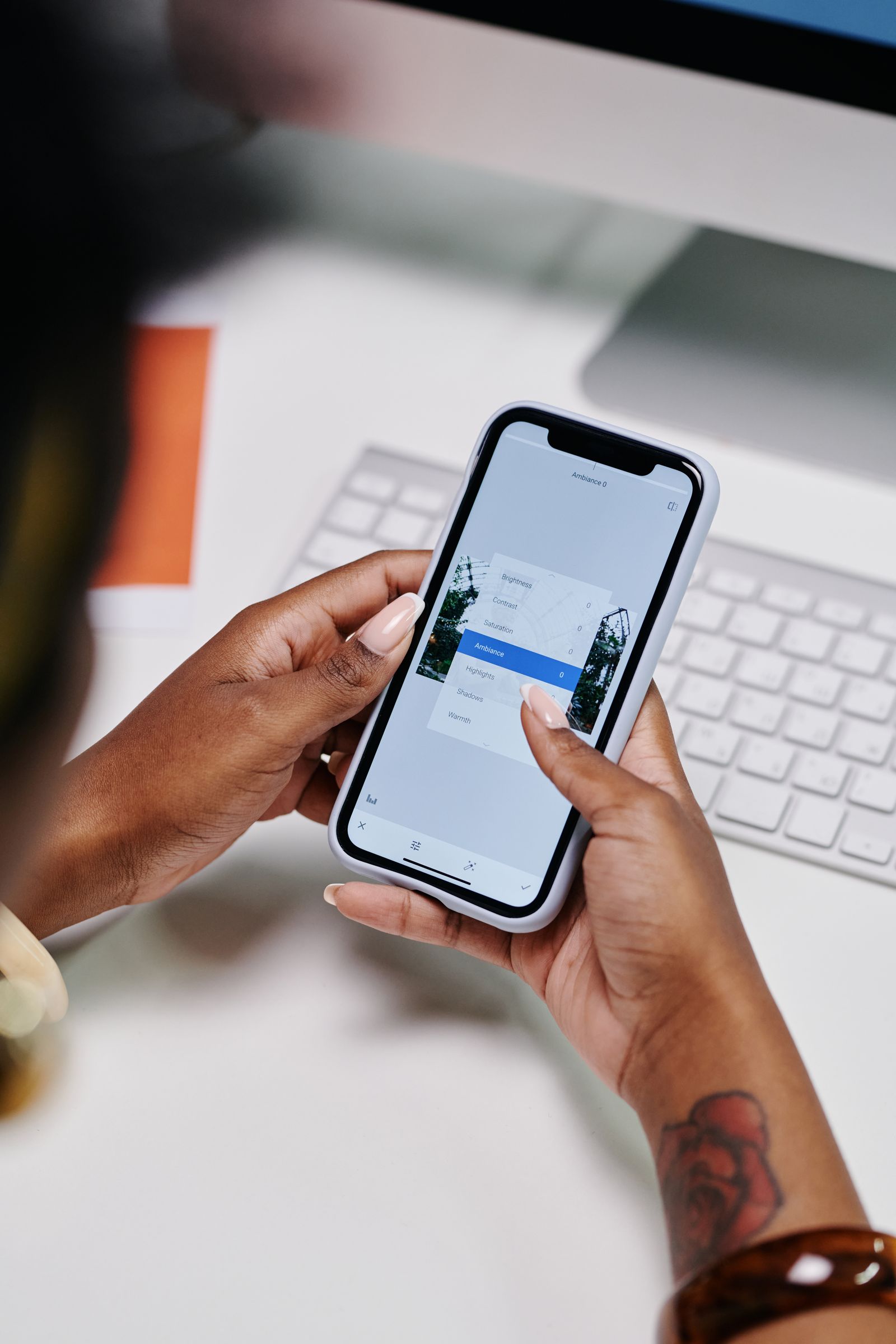
Designed for Apple platforms
An iOS project needs more than a set of screens. We consider the Apple device targets, established interaction patterns, accessibility, privacy and the steps needed to test and distribute the app. The technical approach—including native Swift or SwiftUI where it is the right fit—is agreed against your requirements and delivery scope.
Where an app can help
Useful products give people a clear reason to return to the app instead of adding another step to their day.
Give customers a focused place to access services, manage an account or follow a request on iPhone or iPad.
Support a defined staff task with an interface and device capabilities suited to the way the team works.
Coordinate an iOS experience with your website, business systems or an agreed transaction journey.
Platform considerations
We clarify device targets, account requirements, privacy choices and distribution before settling the product approach.
Planning app payments too? Explore mobile apps & paymentsUse familiar navigation and interaction patterns, with accessibility and device layouts considered during design.
Request access to device features only when needed, and explain data use clearly in the product and its disclosures.
Scope API, account, notification and data connections around the interfaces and provider access available.
Validate key flows on selected Apple devices and prepare the agreed App Store Connect submission information.
Made for iOS
iOS release planning includes supported iOS versions and devices, permission prompts, privacy disclosures, signing and App Store Connect responsibilities. TestFlight can be considered for pre-release distribution. Apple makes the final App Store review decision.
From brief to release
Each stage is shaped around the platform, product scope and the people responsible for operating the app.
Agree target users and devices, core tasks, data handling and what belongs in the first release.
Plan screens and interactions around Apple conventions, accessibility and the product’s privacy needs.
Implement the agreed approach and test key flows across selected iPhone or iPad devices and iOS versions.
Coordinate signing, store information, privacy details and TestFlight or App Store submission steps.
Release planning
We can prepare the agreed build and submission materials with your team. The app owner supplies the Apple Developer account and business details; Apple controls review, approval and availability in the App Store.
Ongoing care
A post-launch plan can cover compatibility checks for new iOS releases, fixes, dependency maintenance and product improvements as customer needs become clearer.
Start with a conversation
We’ll discuss your audience, priorities and platform requirements before agreeing the next step.